
Help a buyer move from browsing to a useful enquiry.
Explore a property website prototype, then see how matching, agent handoff and viewing requests could connect around it.
Sample properties and demonstration content. This is not a live estate agency. No real purchase or viewing is arranged through this demo.
Try the interactive demo
Browse the sample listings, share requirements as a buyer would, request a viewing, then switch to Agent View to see how the same actions would appear to an agent.
10 of 10 sample listings · Ashcombe (fictional sample market)
 Available
Ashcombe Garden House
Millbrook · House · For sale
$465,000
4 bedrooms · 2 bathrooms
 Available
Skyline View Apartment
Northgate · Apartment · To rent
$1,650 / month
2 bedrooms · 2 bathrooms
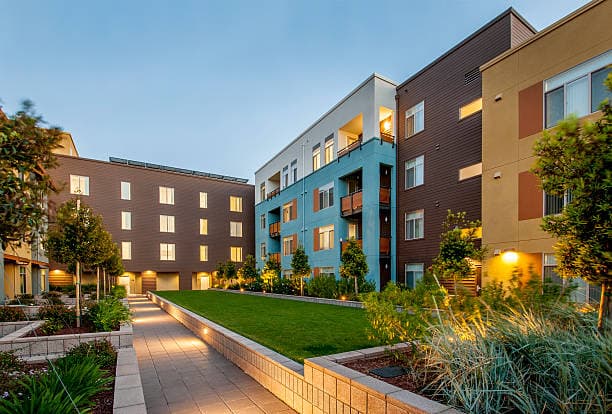 Available
Riverside Loft
Old Ferry · Apartment · For sale
$289,000
2 bedrooms · 1 bathroom
What happened automatically
Nothing has happened yet — share your requirements to see this fill up.

What is being demonstrated
This demonstration is a website prototype. Connected messages, listing matching and appointment handling are planned capabilities unless explicitly marked as tested live integrations. For a client build, the property data, matching rules, agent availability and communication process are configured and tested for that business.
The business problem
Buyers often need help narrowing down listings. Agents need more than a name and “I’m interested” to respond usefully. The concept gives both sides a clearer starting point.

The intended journey
- 1
Browse properties
Explore listings with clear information and an obvious enquiry route.
- 2
Share requirements
Choose location, budget, bedrooms and property type.
- 3
Review suitable options
A connected workflow could check available listings against those requirements.
- 4
Request a viewing
An agent confirms property access and the next step.
- 5
Follow through
An agreed workflow could send reminders and organise agent tasks.
What would this journey look like for your agency?
This sends a real enquiry to WALKFLOW — separate from the sample journey above, which sends nothing.