Back to Business Automation & CRM
Demo ProjectGeneral Business
BIZFLOW
BIZFLOW shows how a business can run enquiries, call bookings and follow-ups from one connected workflow.
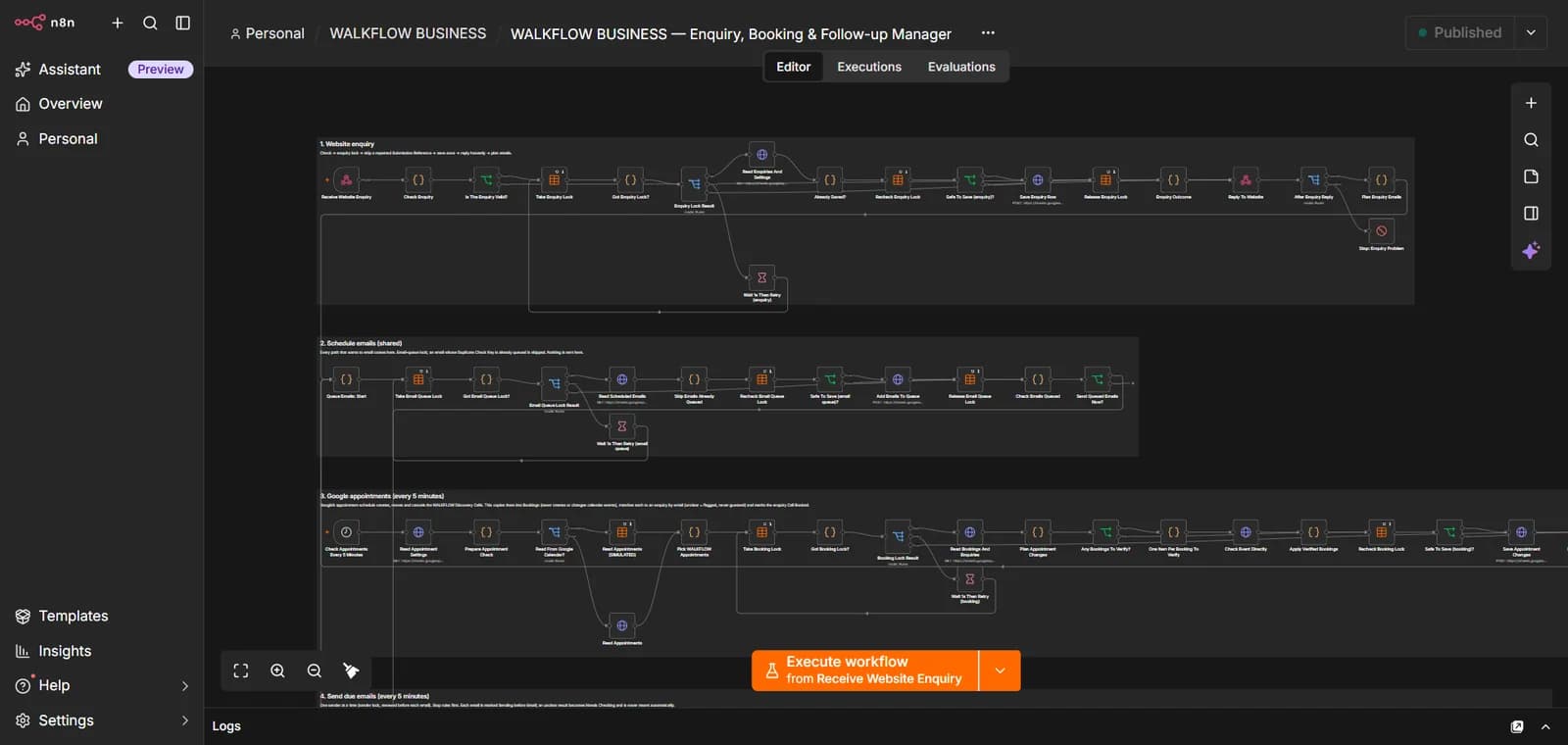 (opens the full-size image in a new tab)
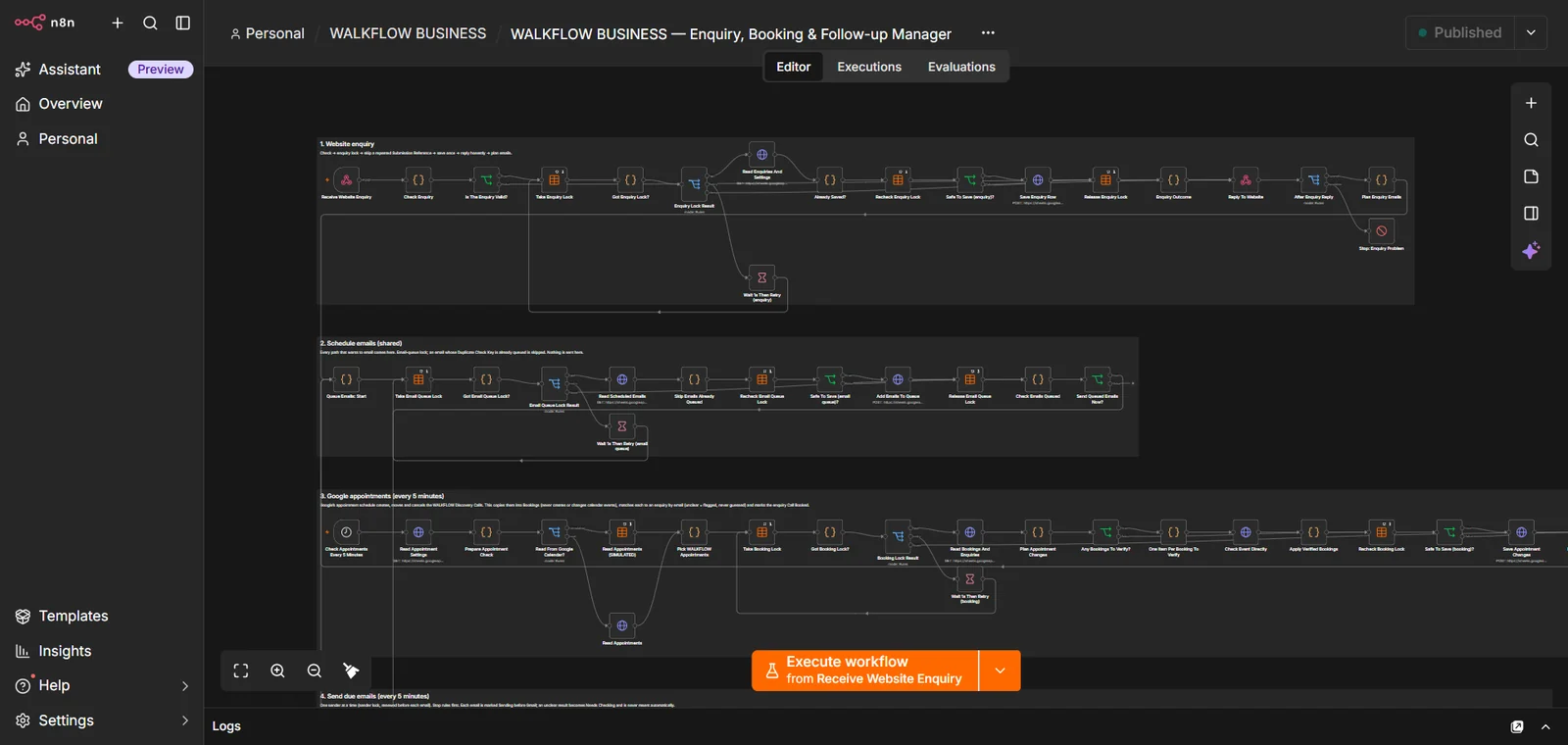
The enquiry, booking and follow-up workflow in n8n. 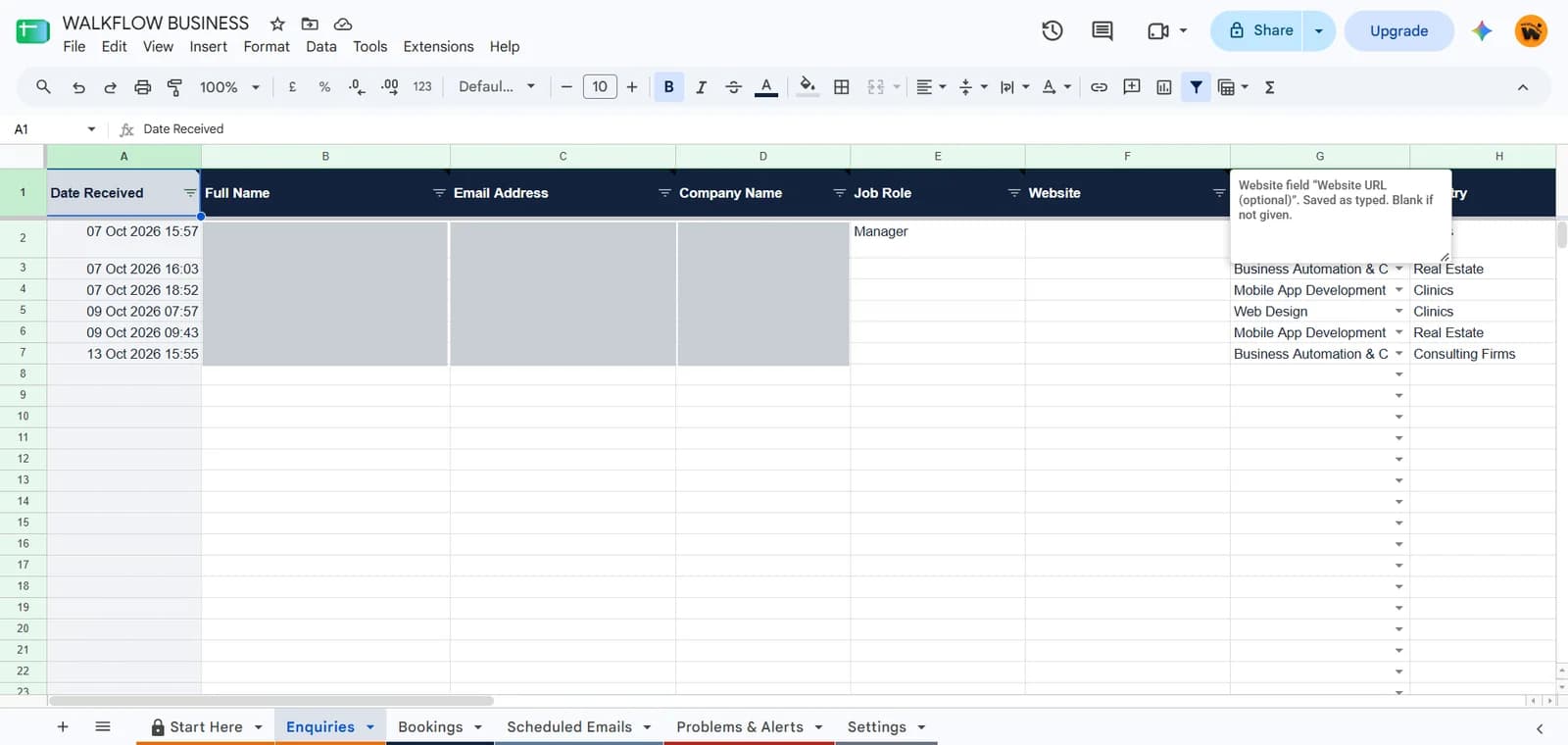 (opens the full-size image in a new tab)
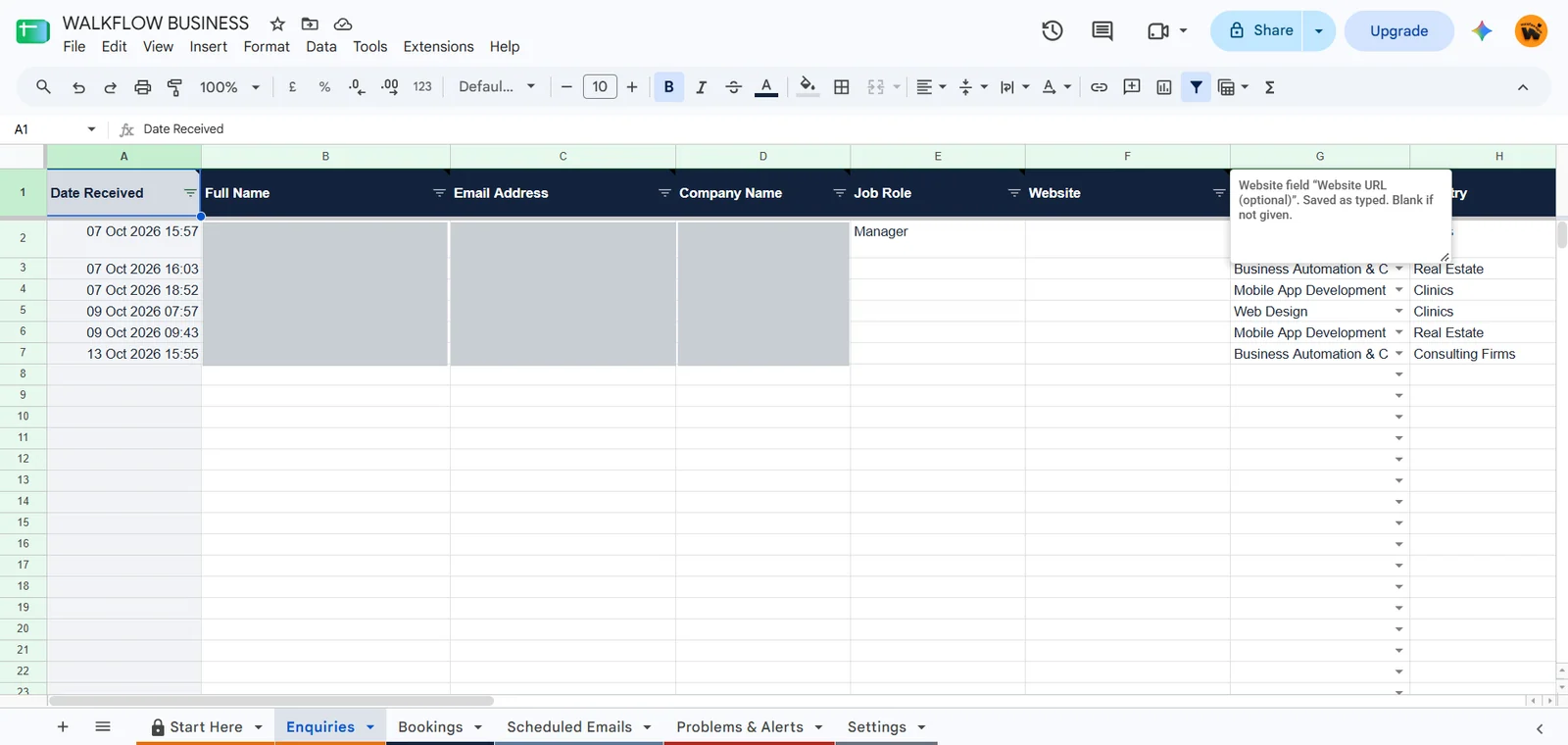
Every enquiry is logged in a Google Sheet. Names, emails and companies are hidden. 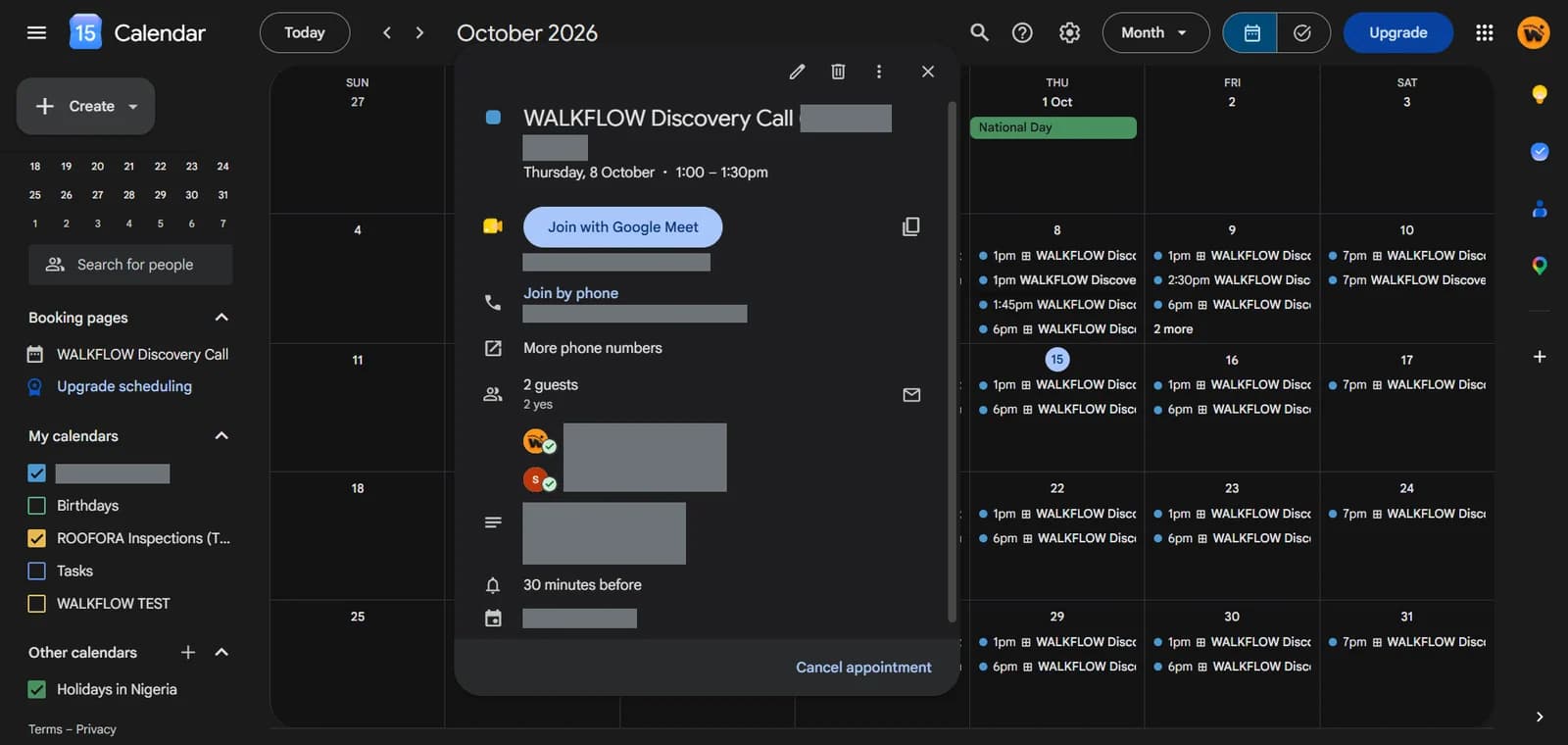 (opens the full-size image in a new tab)
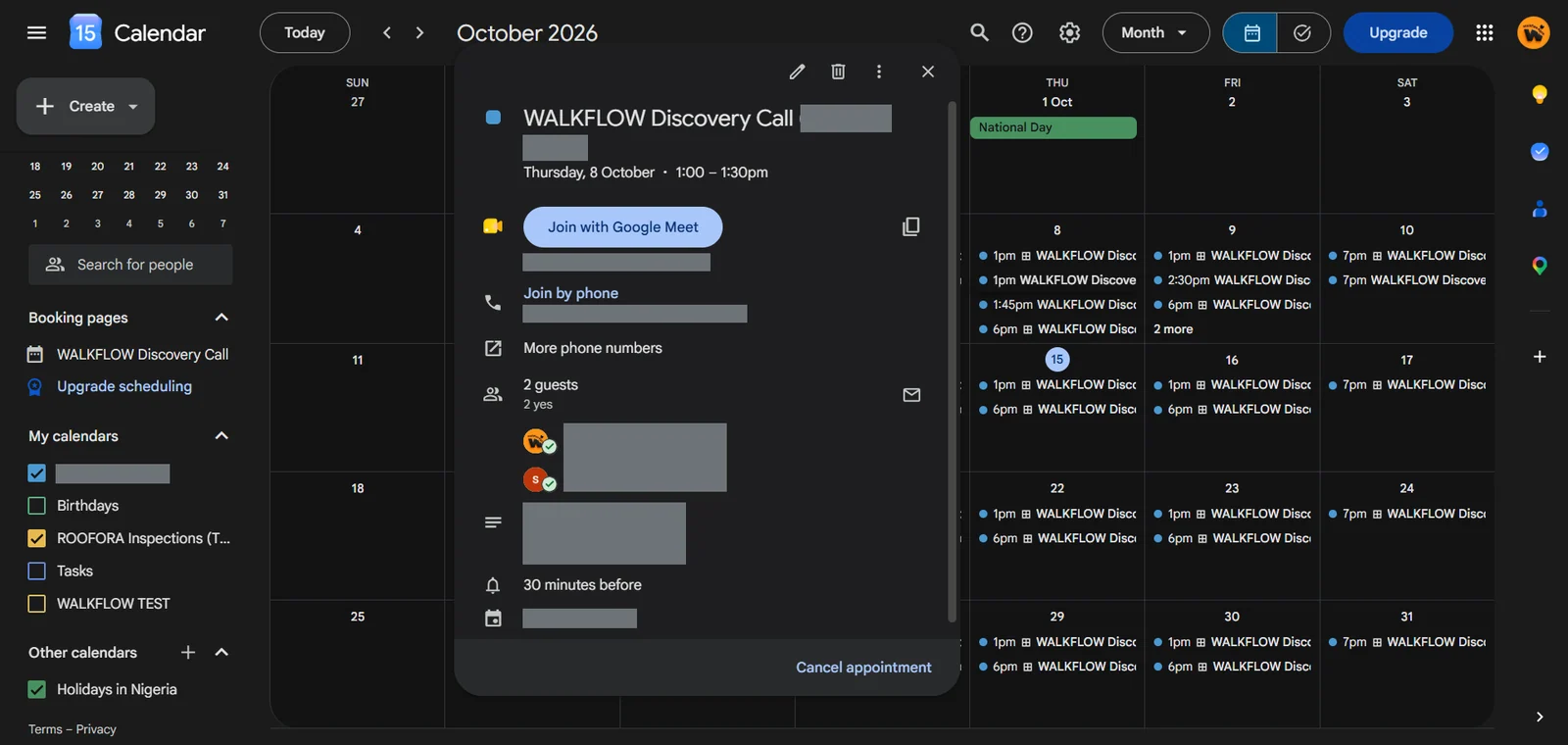
Discovery calls are booked into Google Calendar with a Meet link. Guest details are hidden. 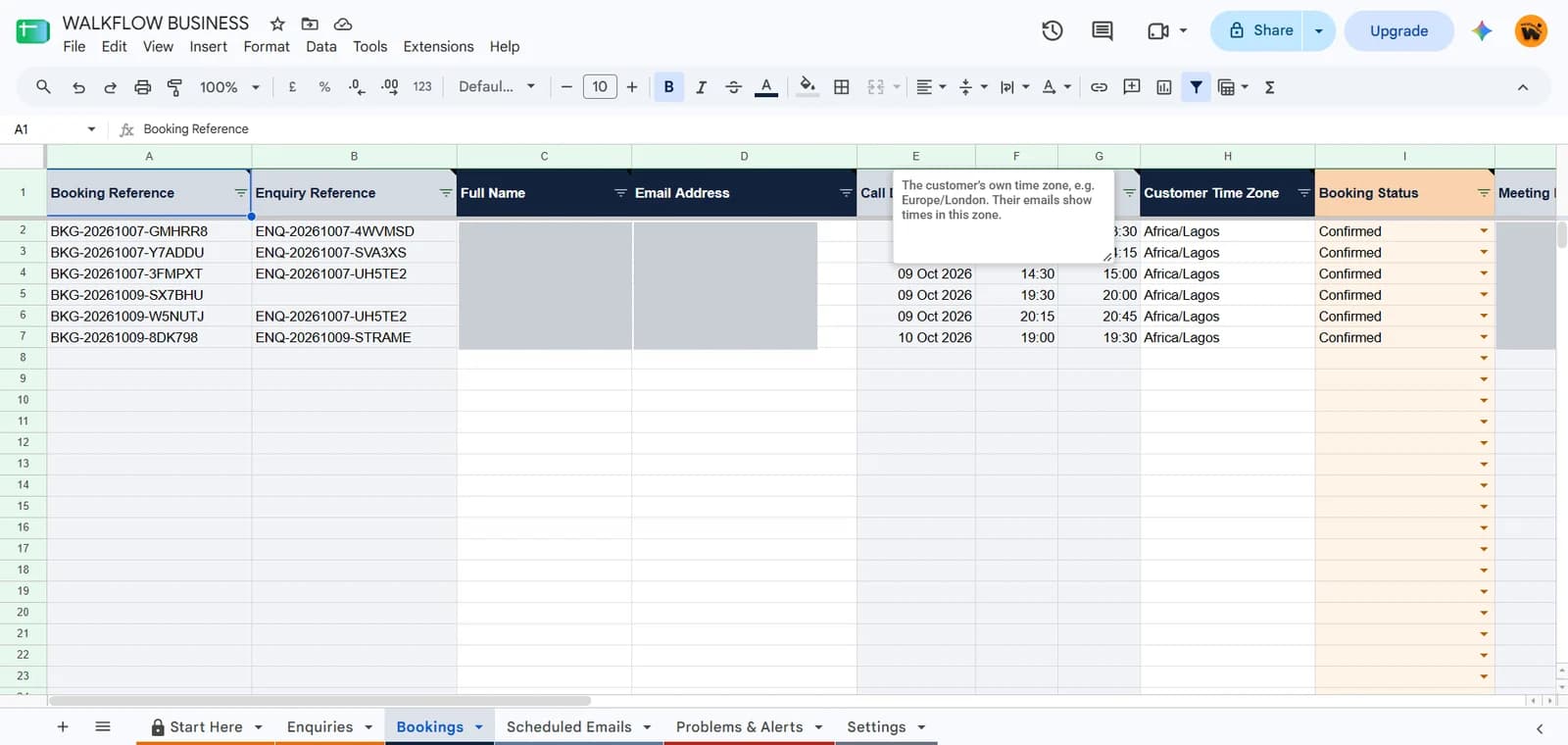 (opens the full-size image in a new tab)
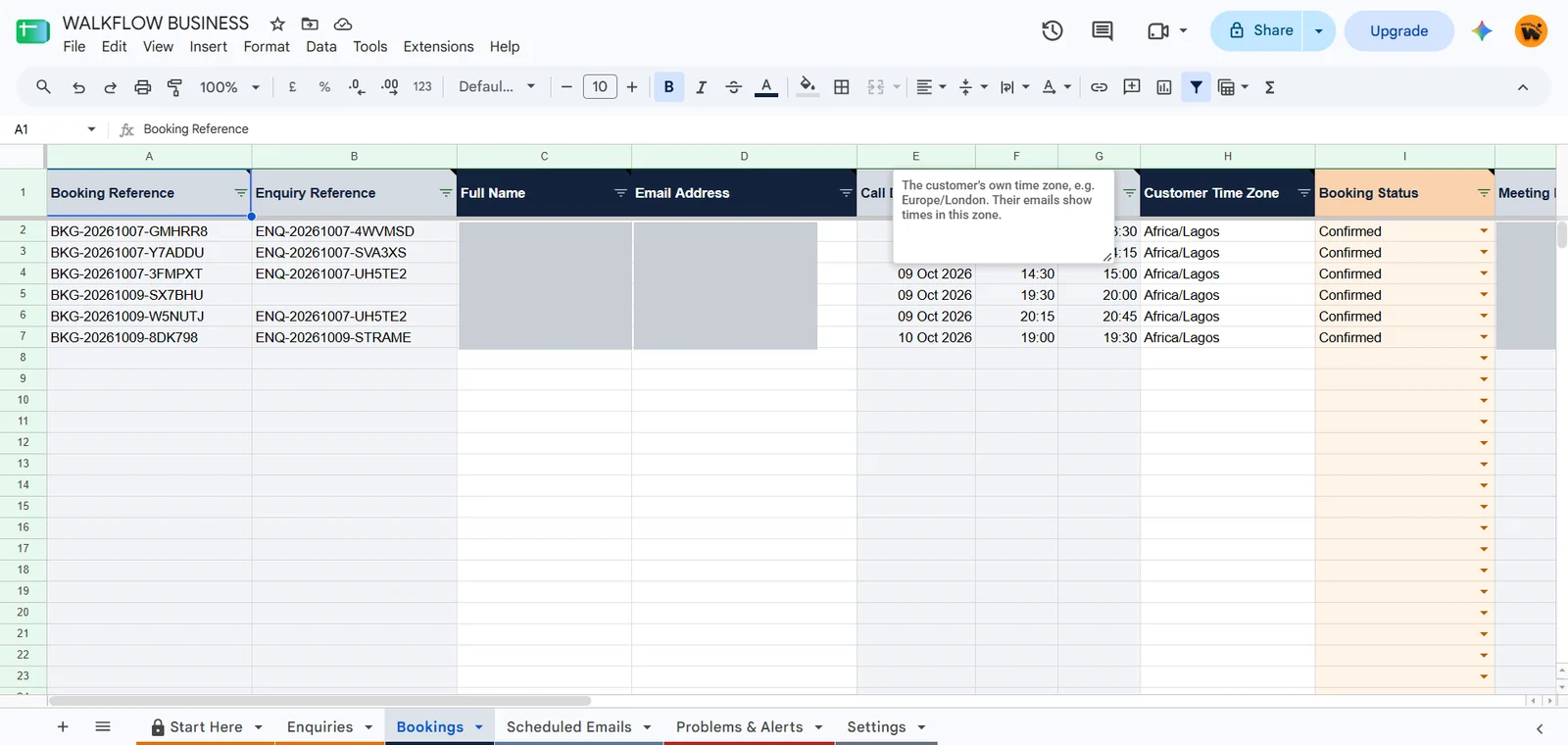
Each booking is recorded with a reference and a status. Names, emails and links are hidden. 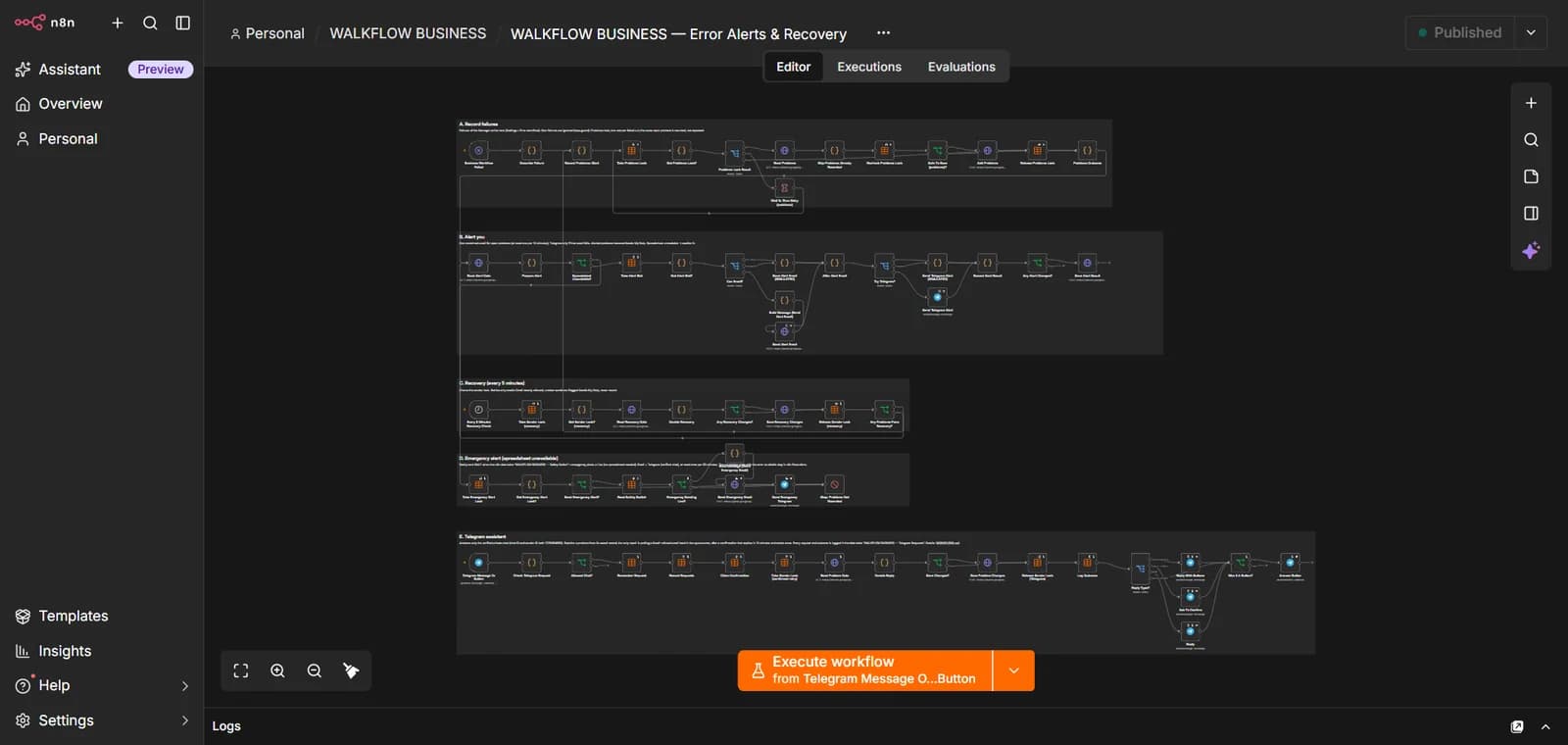 (opens the full-size image in a new tab)
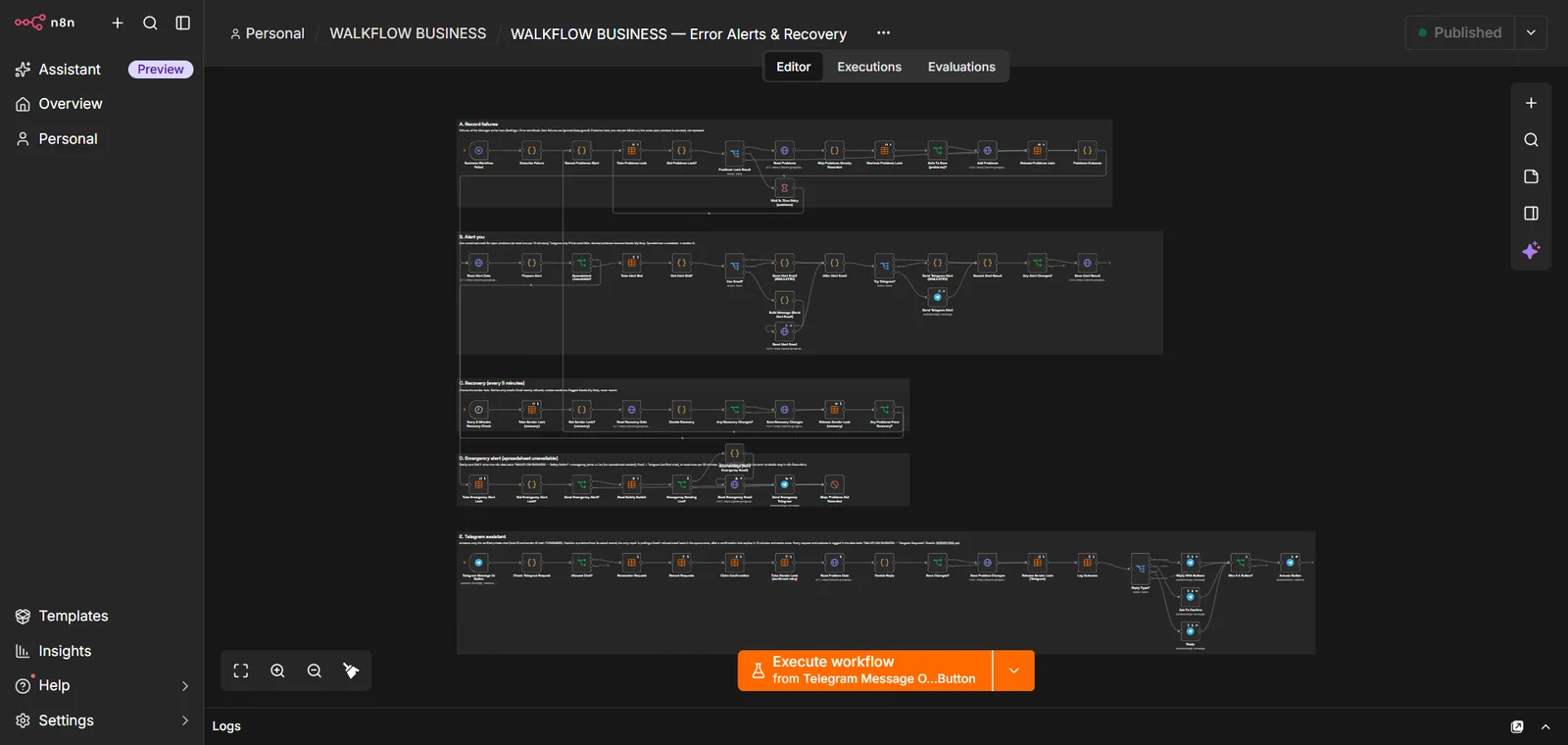
A separate recovery workflow records problems and alerts the team.
The Problem
When enquiries, calendar bookings and follow-up emails are handled separately, it is easy to lose track of who has been contacted, who has booked and who is still waiting for a reply.
The Solution
BIZFLOW connects the website enquiry form, your calendar and email, so each enquiry has a clear next step and nothing depends on memory.
- Website enquiries are logged in a Google Sheet with the customer's details and the service they asked about.
- Discovery calls are booked into Google Calendar with a Google Meet link, and each booking is recorded with a reference and a status.
- Scheduled follow-up emails are sent from the same workflow.
- A separate recovery workflow records problems and alerts the team.